
A mobile zip line in Revelstoke needs two early decisions. A supplier must confirm service to that address and date, and the venue must review the proposed site. BC Event Makers’ core area is the Lower Mainland. Send the complete delivery route and site brief before naming the attraction in a public programme.
BC Event Makers includes Zipline among its Adventure Attractions. Ask about availability and delivery feasibility for Revelstoke before committing to it.
1. Follow the whole delivery route for the mobile zip line
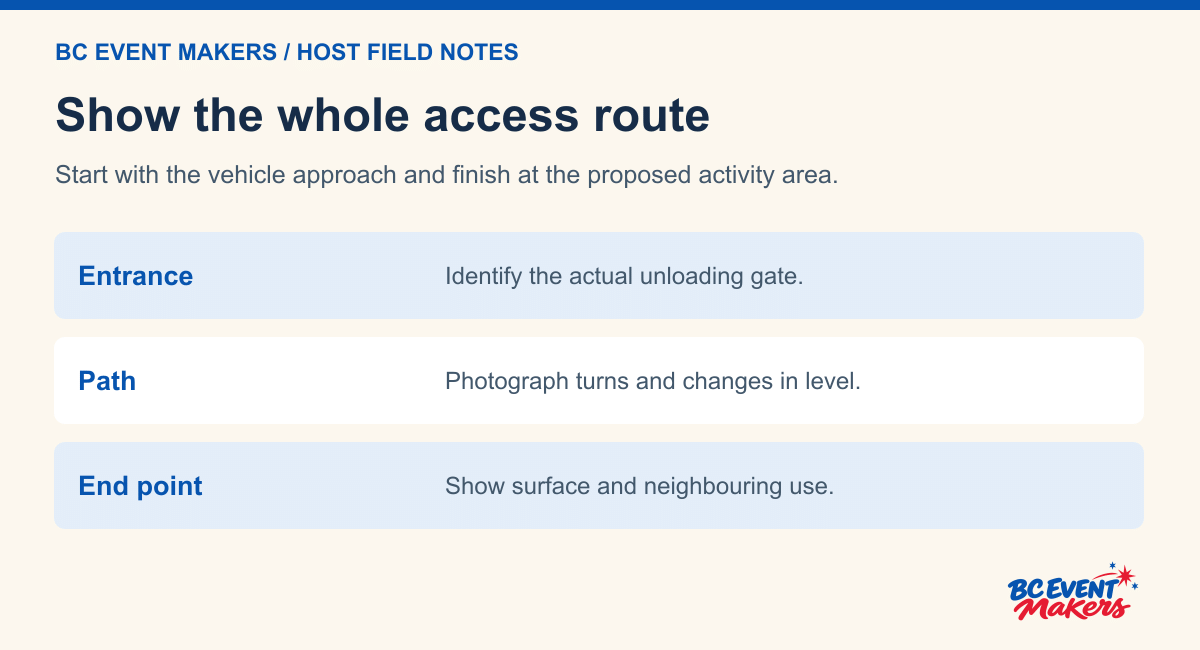
A photograph of the open field is useful, but the approach matters too. Document the route from the public road to the intended setup area. Mention gates and tight turns, and identify any surface changes or overhead obstructions along the way.
Ask who controls access and whether a vehicle can enter during setup and collection. If the event occupies a shared site, include the times when other suppliers will be unloading. A clear approach during planning can become blocked once tents and parked vehicles arrive.
2. Review operating and public space separately
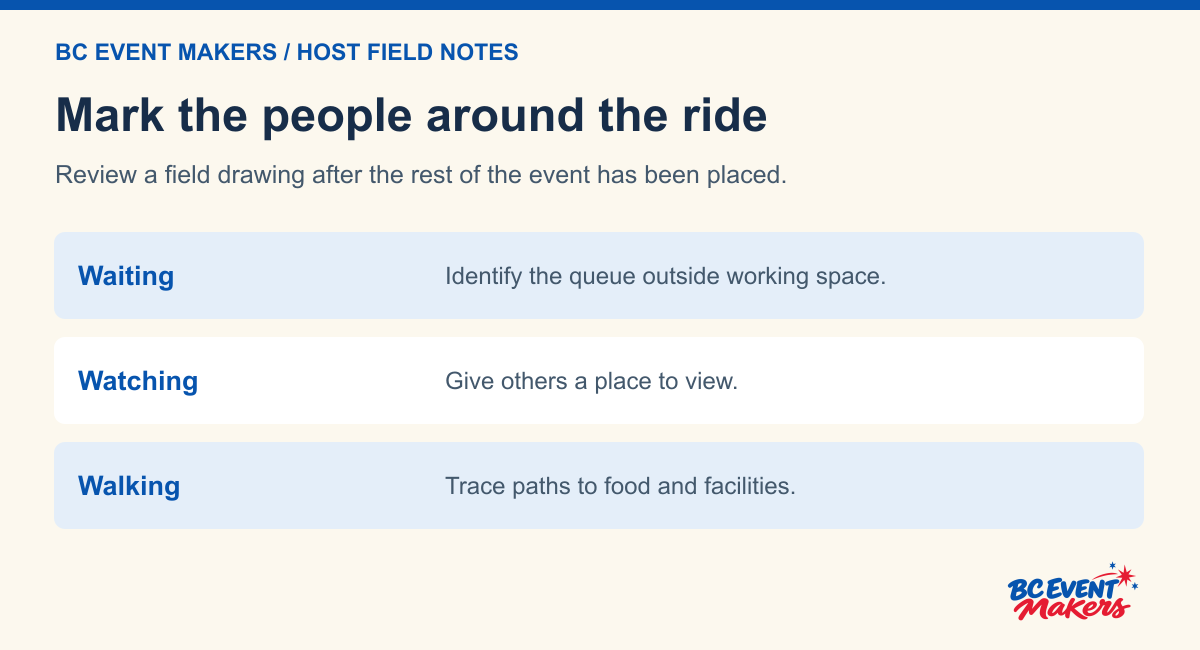
Request the full space requirements for the exact equipment, including its operating area. Put the proposed guest queue and exit route on the plan. Spectators should have a place to watch without occupying the routes used by participants or staff.
Identify nearby activities that might affect the location. Food queues, vehicle movements and performances can all change how people gather. Ask the supplier to review the proposed arrangement rather than assuming that unused space beside another attraction is suitable.
3. Ask about the specific participant and staffing arrangement
Describe the expected participant group and ask for the applicable entry requirements. Publish the confirmed information before guests arrive. A mobile zipline should not be presented as an activity for everyone without knowing the requirements of the equipment being supplied.
Provide another activity or viewing area for guests who do not ride. If the zipline is part of a group outing, explain that choice in the itinerary. Participants should be able to enjoy the event without feeling pressured to take a turn.
4. Give the site review a decision window
Confirm setup time and the intended operating window. Ask how weather or a site issue would affect the attraction and who will communicate any change. Agree on an alternative use for the programme time if operation cannot proceed.
See Adventure Attractions for the wider range. Use the enquiry form to send photographs of the Revelstoke location with your proposed timetable. Ask for travel feasibility and site review before treating the zipline as a confirmed part of the event.
Make the first site visit a fact-finding visit
Bring the person who knows the property and someone who can describe the event programme. The purpose of this visit is to collect the facts a supplier needs to assess a proposed mobile zip line. The event committee can document gates, timings and the way people use the field. The responsible supplier determines what further review the actual device requires.
Put the exact Revelstoke address at the top of the site brief. State whether the organiser owns the site, has permission to enquire on the owner’s behalf, or is still considering a booking. Ask BC Event Makers for a written service answer for the address and date. If the team cannot serve that location, take the same factual brief to an appropriate local provider or compare a different event plan.
For a public event, the City of Revelstoke’s special event application can help identify the local process to discuss with the City. Use the contact responsible for the exact property. The property’s decision, the operator’s device review and the supplier’s travel decision are separate entries on the planner’s sheet.
Photograph a journey in both directions
Start where a vehicle would arrive. Ask the site contact which entry is approved for the proposed access window, then take a photograph looking in from that point. Walk the entire delivery route towards the activity area. At a turn, gate or change of level, take a photograph that shows what comes immediately before and after it.
At the proposed activity area, turn back towards the entrance and take a wide photograph. This view helps someone reading the brief understand the collection route and any space that will be occupied later. Include other event structures, public paths and adjacent activities on the drawing. Label each picture with its location and direction rather than using a generic file name.
Describe a measurement according to its source. The venue may have a drawing, the host may have measured a clear gate opening, and the supplier may need to verify a different dimension. Put “host measurement” or “from venue plan” beside the figure. A number without a source can be mistaken for a confirmed equipment requirement.
Pick the busiest point in the day
A morning photograph may show an empty field. Ask what the same area looks like when the event is open. Where do families queue for food? Does a stage or temporary seating change the public path? Is there a point when a class, tour group or company shift arrives together? Write this short description beside the site drawing.
Now trace the return trip for the delivery team. A route that can be used before the gates open may have a different restriction later in the day. Who has authority to keep the collection access available? What time does the venue need the property returned? Give the supplier both answers when it assesses the mobile zip line proposal.
Keep three drawings separate
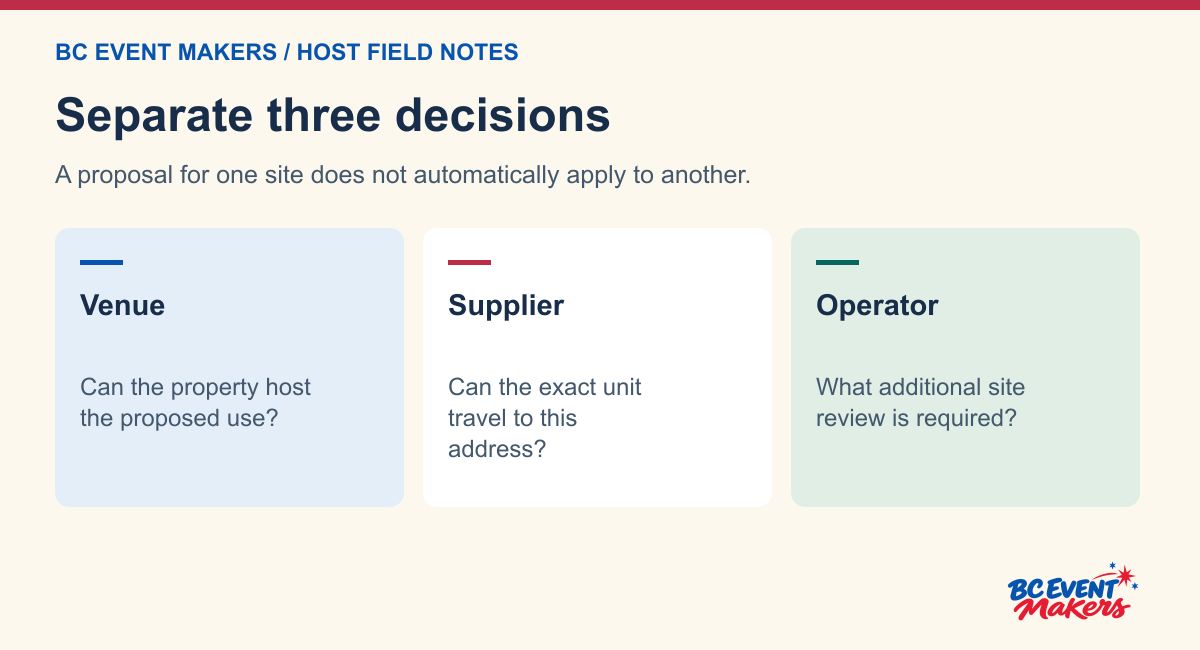
The first drawing is for access. It follows the vehicle and equipment from arrival to the proposed site and back out. The second is for the activity review. It shows the location, surrounding uses and questions the venue and supplier need to settle. The third is for the guest route. It shows where the public waits, watches, regroups and passes through the site.
A single attractive guest map cannot do all three jobs. Families do not need private access details. The operator needs more information than a coloured symbol on a public map. Give each drawing a date, identify what remains provisional and let the appropriate contact review it. Keep technical equipment instructions with the people qualified and responsible for the actual device.
| Drawing | What the organiser can supply | What still needs confirmation |
|---|---|---|
| Delivery route | Address, approved entrance, route photos, access times and restrictions reported by the property. | Supplier assessment of the specific equipment and return route. |
| Proposed activity area | Surface description, overhead or adjacent features, other event equipment and site contact. | Venue approval and operator requirements for this device and setting. |
| Guest route | Arrival pattern, waiting point, meeting place and public through-route. | Reviewed relationship between guest areas and the equipment’s working space. |
For a question about operating requirements, see Technical Safety BC’s information for amusement-device operators and ask the responsible operator about the specific mobile zip line. The organiser’s site review helps the right people discuss the real setting. The drawings on their own do not approve the equipment for use.
Example. The best-looking field has the least useful entrance
Imagine two fields at the same Revelstoke event venue. Field A looks spacious in the guest photos but the delivery route includes a tight turn just inside the gate. Field B is less prominent, with a more direct route whose actual access hours still need confirmation. A committee that compares only photographs of the grass will miss the questions most likely to decide between the two.
Ask the venue to identify who controls each gate and when that person will be available. Send the supplier the two complete route descriptions. Label which facts apply to which field and ask whether either option needs a further site review. Do not choose the first field merely because it offers the larger open area.
If the committee prefers Field A, it can say why. Perhaps the guest route connects naturally to the food and seating area. That preference belongs in the conversation, but it cannot settle a delivery question. A provider can give a useful answer when it knows both the guest goal and the actual limits of the site.
Example. The event adds a stage after the first review
A stage supplier has confirmed a new position beside the proposed mobile zip line. The equipment may still fit on the original drawing, but a backstage access route now crosses the place where spectators were expected to gather. The review needs the updated event layout, even if neither attraction has changed its own dimensions.
Mark the new stage, service route and public viewing area on one current drawing. Ask the venue contact, operator and stage team to review the crossing. A different spectator position or delivery sequence may be possible once everyone sees the same problem. Avoid telling volunteers to move people into a space nobody has assessed.
Update the private run sheet as well as the public map. A stage crew arriving before guests needs accurate access information. A host explaining the guest route needs a simpler message about where people can go. The two documents share the confirmed decision while giving each audience the details it actually needs.
Example. The site contact suggests a replacement area on event morning
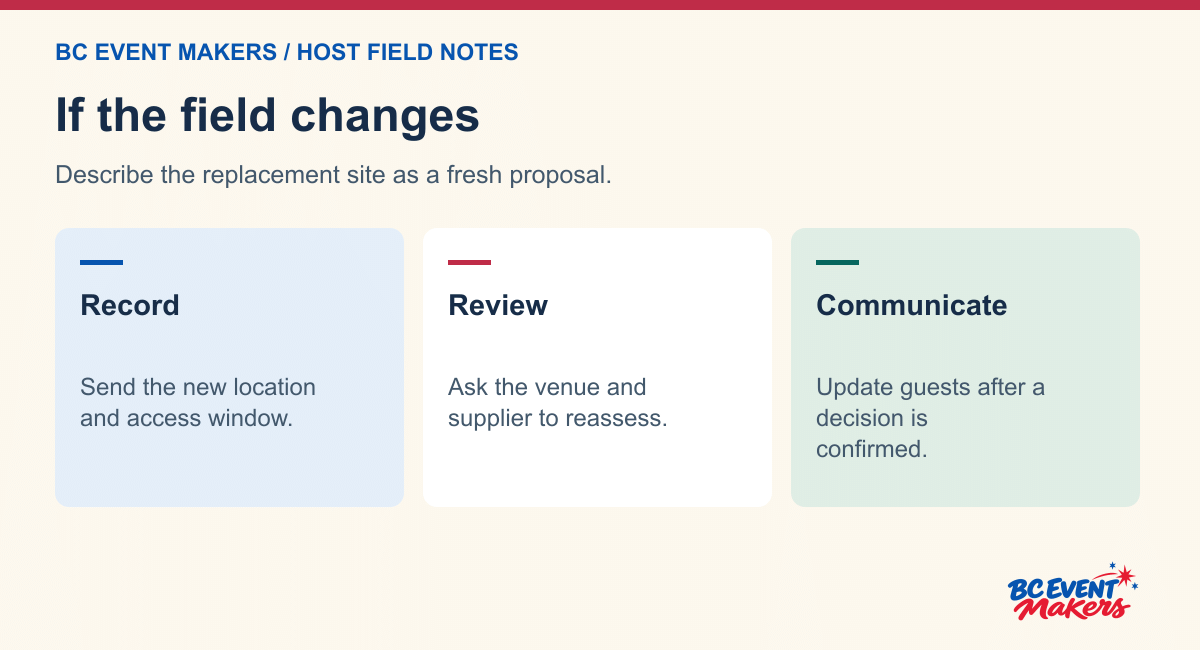
The alternative may appear close enough to the original position that the change feels minor. Ask what has changed in the delivery route, surface, overhead space, public path and timing. Take new photographs and name the person responsible for approving the replacement area. Send the update to the supplier before describing the move to guests.
If the location cannot be assessed in time, keep the mobile zip line provisional or paused according to the responsible contacts. Direct visitors to the confirmed part of the programme. A short message such as “We are reviewing the activity area; the market and lunch tent are open now” is more useful than guessing a start time.
Record which decision the organiser can make and which decision belongs to the supplier. The host can choose to change the public programme and explain the change. The operator assesses the device and conditions under the relevant arrangements. Avoid giving a volunteer an instruction to move, set up or open equipment simply to keep the printed schedule.
Invite participants without promising a turn
Give the operator the expected participant group and arrival pattern. A group of colleagues arriving after lunch creates a different waiting situation from families dropping into a weekend event over several hours. Ask how the operator wants equipment-specific participation information presented and where guests can ask a question before joining the queue.
Offer an appealing place for guests who stay on the ground. Can they watch from an agreed location, meet friends after a turn or enjoy another confirmed event activity? Trace their guest route on the drawing. A person who chooses to watch should not have to stand in the queue simply to remain part of the gathering.
Name the meeting point for a group that splits up. Use the same landmark in the guest map and in the host’s announcement. “Meet at the information tent after your turn” can work if that tent is visible and accessible from both routes. Check the actual drawing before using the phrase, and tell staff if the meeting point changes.
What the host should know before an announcement
Ask the activity contact to confirm the current status before telling guests that a session has opened. Keep specialist questions with the operator. The host can tell visitors where to go and what other activities are available, while avoiding any promise about a specific wait, restart time or participant suitability.
Prepare a closing message as well as an opening message. The event lead needs to know when to stop inviting new arrivals to queue and how to preserve the collection route. If the attraction pauses, update the public entrance and the point where the line forms. A family who arrived after the microphone announcement should still be able to make an informed choice.
The packet to send after the site review
We’re assessing a mobile zip line for [date] at [exact Revelstoke address]. The venue access window is [times], the guest programme is [hours] and arrivals are likely to be [pattern]. Attached are the delivery route in both directions, the proposed activity area and the guest route. The site contact has confirmed [facts] and is checking [open items]. Can your team serve this location, and what further review would be required for the actual equipment?
Give the supplier the date when the organiser must choose between this activity and a confirmed alternative. If the decision depends on a separate travel proposal, keep that discussion alongside the site file. Do not interpret interest in the site as a confirmation that a team will travel to the Revelstoke event.
At the end of the review, ask one person who has not seen the site to identify the exact address, delivery entrance, guest meeting point and unresolved decision from the packet. If any answer is unclear, label the photograph or revise the first paragraph. That small test can avoid a second trip to the field for a detail that was already observed but never recorded.
Three photo labels that save a follow-up call
“Entrance from the service road, looking into the property. The site contact is confirming when the gate can be opened.” This label tells the reviewer both which way they are looking and why the photograph matters. It also keeps an outstanding access decision visible.
“Turn after the first gate, looking back towards the unloading point. The organiser has recorded the opening shown on the venue plan; supplier review is still required.” This makes the source of the measurement clear and gives the supplier a reason to request another angle or a different detail if needed.
“Proposed activity area towards the stage. The public guest route is on the left of the drawing and the collection route is marked separately. The stage position was revised on [date].” Someone reading this label can compare the photograph to the correct version of the site plan rather than to an earlier drawing with the stage on the other side.
Keep the packet relevant to the decision. The supplier needs the site, hours, routes and proposed use. It does not need private guest information or an unrelated folder of event photographs. If a later message resolves just one question, put that answer beside the corresponding photograph or drawing and leave the other outstanding decisions open. A complete-looking packet is valuable only when a future reader can tell which facts were actually confirmed.
Review the BC Event Makers Zipline listing and send the event brief for confirmation of the date, equipment and address.